How Many Wi-Fi Access Points Does a Larger Home or Property Need?

There's no reliable formula that turns square footage into an access point count. Two properties of identical size can call for very different Wi-Fi designs, because what actually determines the answer is what the signal has to pass through, how the space is laid out, and how many devices are competing for it at once — not how many square feet are on the plan. Concrete and masonry block a Wi-Fi signal far more than a stud-and-drywall wall does. A property with a detached garage, guest house, or pool house needs its own coverage plan, not just a stronger router in the main house. And a household streaming video on several devices, running security cameras, and controlling smart-home systems needs more consistent performance than one that mostly browses and checks email. The right number of access points is whatever gives every part of the property reliable coverage without wasting equipment or creating interference. That number comes from a plan, not a guess.

Why Square Footage Alone Doesn't Give the Answer

Two homes of the same size can need very different Wi-Fi designs. A single-story, open-concept home with mostly interior stud walls might get solid, reliable coverage with relatively little equipment; a two-story home of the same size, built with block or stucco-over-masonry exterior walls, might need more — not because it's bigger, but because the signal has to work harder to get through. Layout matters too: a long, narrow floor plan behaves differently than a compact one, and a finished basement or detached casita adds a coverage zone square footage doesn't account for. Square footage tells you how much space there is — not what's in the way, how it's used, or how many devices need to stay connected, which is what actually determines the count.

What an Access Point Actually Does

An access point is the equipment that broadcasts Wi-Fi into a room — separate from, though often confused with, a few other pieces of gear. A modem connects the property to the internet provider; a router directs traffic between the internal network and the internet, and most consumer all-in-one devices also include a built-in access point. A Wi-Fi extender rebroadcasts an existing signal to reach farther, usually by giving up part of its own bandwidth, and it's only as good as the signal it started with. A mesh node is a more capable extender, built to coordinate with identical nodes as a system. A dedicated access point is different: a purpose-built radio, usually ceiling- or wall-mounted, ideally with its own wired connection, and centrally managed alongside every other access point on the property.

The Factors That Determine Access Point Count

The number of access points a property needs comes from several factors interacting together, not any single one of them:

FactorHow It Affects Access Point Planning
Floor planOpen layouts need fewer APs per square foot than segmented ones
ConstructionConcrete, masonry, and metal block signal more than drywall and wood framing
FloorsEach additional floor is typically its own coverage zone
Device countMore connected devices raise capacity needs independent of square footage
Outdoor areasUsually need dedicated outdoor APs rather than indoor overflow
Detached structuresEach one is a separate coverage — and often backbone — decision
Wired backhaulAPs with their own wired connection perform more predictably than those relying on wireless relay
Performance expectationsStreaming, video calls, and AV/control systems raise the bar beyond basic browsing

No single factor determines the count on its own — a professional design looks at all of them together for the specific property.


Continue reading

Wireless Bridge or Fiber Between Buildings: Which Is Better?

When two buildings on the same property need to share one network, there are really only two practical ways to connect them: a wireless bridge or a physical cable, usually fiber. A wireless bridge — a dedicated point-to-point radio link, not the same as ordinary Wi-Fi — is often the right answer when trenching or running cable between buildings isn't practical, whether because of cost, distance, landscaping, or a rented property. Fiber is usually the stronger long-term backbone when a physical path is available, because it's a dedicated, electrically isolated connection that isn't affected by weather, interference, or line of sight the way a wireless link is. Neither option is automatically correct. The right choice depends on the property, what the connection needs to carry, and how permanent the setup is meant to be.

What Is a Wireless Bridge?

A wireless bridge is a dedicated, point-to-point wireless link between two buildings — not the same thing as extending ordinary Wi-Fi coverage outdoors. It uses a matched pair of radios, one mounted at each building, aimed directly at each other (this is what "line of sight" means: a mostly clear, unobstructed path between the two) rather than broadcasting in every direction the way a typical access point does. Because the radios are aimed at one another instead of serving many devices spread across an open area, a wireless bridge can move considerably more data than an ordinary Wi-Fi connection, and it behaves, from the network's point of view, much like a single long cable between the two buildings' switches.

What Does Running Fiber Between Buildings Mean?

Running fiber means installing a physical fiber-optic cable as the permanent backbone between two buildings — the same kind of structured, low-voltage cabling work as the rest of a property's network infrastructure — typically inside conduit (a protective pipe the cable runs through) that's either buried directly in the ground or routed along an existing path such as a utility trench. At each end, the fiber connects into a managed switch through a small fiber transceiver — a media converter that turns the light signal back into a normal network connection. None of this requires the property owner to understand optics; from a household or business point of view, a properly installed fiber run functions like a very long, very reliable Ethernet cable.

When a Wireless Bridge Makes Sense

A wireless bridge is often the practical choice when:

  • Trenching or running conduit between buildings isn't possible or would be prohibitively disruptive — across a driveway, mature landscaping, or hardscape that would need to be torn up and repaired.
  • The property is rented or leased, and permanent underground work isn't an option.
  • A road, drainage feature, or other obstacle sits between the buildings, making a buried cable path impractical.
  • The connection is temporary — a construction trailer, a seasonal structure, or a setup that isn't meant to be permanent.
  • The buildings have a clear, unobstructed line of sight and aren't too far apart for the equipment being used.
  • The bandwidth the remote building actually needs is modest, and a well-installed bridge can comfortably carry it.

When Fiber Is the Better Long-Term Choice

Fiber tends to be the stronger choice when:

Continue reading

Why Your Network Should Be Planned Before Your AV & Control System

Most people think of their network as the thing that gets them online, and the AV system, control system, cameras, and speakers as separate equipment layered on top of it. That's no longer accurate. On a modern system, the network is part of the AV system. It's how your control processor talks to your amplifiers, how your Sonos speakers stay in sync, how your video matrix moves a signal from one room to another, and how your phone or a wall panel tells any of it what to do.

That distinction matters because of when problems show up. A network that's "fine for browsing and streaming" can still be the reason a well-designed AV system feels unreliable: lighting that responds late, audio that drops out of sync, a control app that occasionally just stops working. The fix usually isn't more AV equipment. It's going back and fixing the network the AV system was quietly depending on the whole time. Planning the network alongside, or before, the AV and control design avoids that entirely.

Today's AV System Depends on the Network

A home theater or conference room's AV gear used to run mostly on its own dedicated wiring: speaker wire to the amp, HDMI to the display, done. A lot of simpler systems still work exactly like that, and there's nothing wrong with a self-contained setup when that's genuinely what a space needs.

But once a system uses whole-home audio, centralized control (a Crestron or similar processor telling multiple rooms what to do), AV-over-IP for video distribution, or any device that streams, syncs, or gets controlled remotely, the network stops being a bystander. It's carrying control commands, streaming audio and video, device-discovery traffic (so your control system can find the equipment it's supposed to talk to), and often a wireless interface on top of all of it. None of that is universal; a single-room system with local controls may need almost nothing from the network. But the more integrated and multi-room a system gets, the more it functions, in practice, as a network application. Designing the AV system without designing the network at the same time is designing half a system.

Existing Wiring Is Not Automatically Good Enough

One of the most common assumptions we run into is that if there's already cable in the walls, it's ready to go. Sometimes it is. Sometimes it isn't, and the only way to know is to test it rather than assume.

Continue reading

Beat the Arizona Heat With Smart Motorized Shades

beat-the-arizona-heat-with-smart-motorized-shades

Automatically Stop Heat & Glare Before It Ever Gets Inside

Do you have a west-facing room that turns into an oven every afternoon? The one where you can't see the TV past 2 p.m. because of the glare, and the thermostat says 74, but it feels like 82? If that sounds like your home during the hottest months of the year, you're not imagining it.

We know cranking the AC won't fix the problem, but we do know a way to reduce heat and glare while maintaining natural light in your living spaces. Keep reading to learn how motorized shades can help.

Boardroom Latency Is Killing Your Bottom Line

boardroom-latency-is-killing-your-bottom-line

The Case For Integrated Conference Room Automation & The Roi That Makes It Obvious

Every meeting that kicks off with "Can you hear me now?" is quietly draining your company's budget. It doesn't feel like a big deal in the moment, but the numbers tell a different story.

The average professional wastes 15 minutes per meeting troubleshooting AV setup. Multiply that across a 10-person team, five meetings a week, and 50 working weeks a year. You're looking at over 600 lost billable hours annually. At even a modest $75/hour, that's $45,000 in lost productivity that never shows up on an invoice.

That's a business problem, not merely a tech problem.

Collaborative Outdoor Lighting Solutions for Design-Build Professionals

collaborative-outdoor-lighting-solutions-for-design-build-professionals--

Elevating Custom Outdoor Spaces with Professional Lighting Design

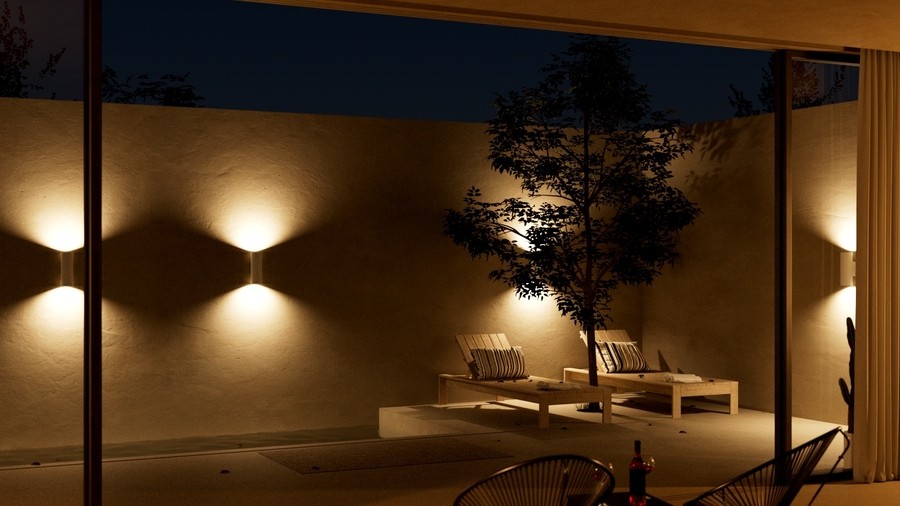
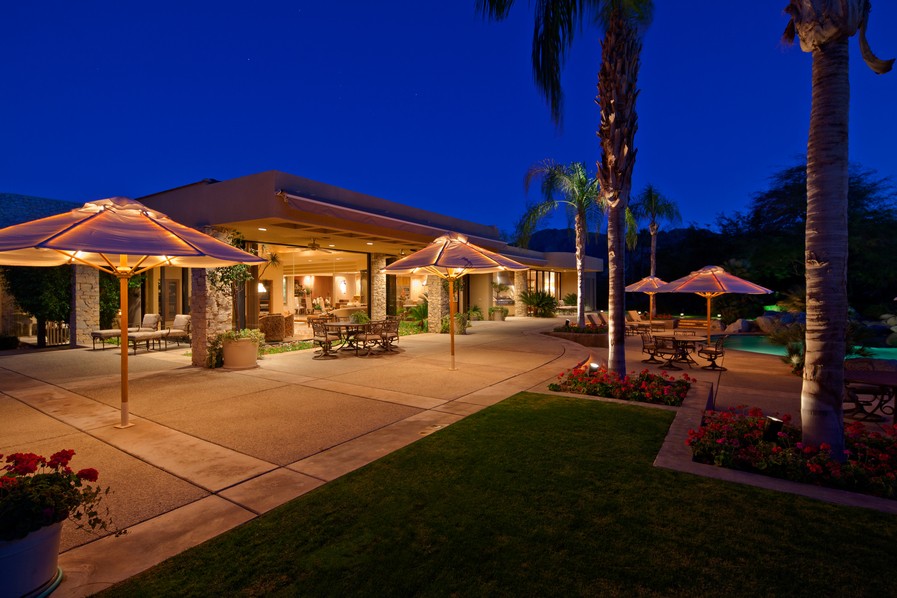
Homeowners across the Arizona desert invest heavily in their outdoor spaces, building custom pools and outdoor kitchens to create beautiful escapes. Often, high-end backyards vanish into pitch-black darkness whenever the sun sets. Harsh floodlights ruin the aesthetic rather than enhancing it, and poorly planned outdoor lighting setups leave property features invisible during prime evening hours.

Indoor rooms require carefully planned lighting layouts, and outdoor spaces deserve a lighting design with the same level of focus. Keep reading to learn more about how Wow Electronics collaborates with other trade professionals to ensure the entire property transitions from day to night while looking great.

Your Smart Home Shouldn’t Require a Manual

your-smart-home-shouldnt-require-a-manual

We’re Breaking the Complexity Barrier for a Truly Intuitive Home

We’ve all been there: you walk into a room, hit a switch, and nothing happens. Or worse, the wrong thing happens. 

If you find yourself scrolling through a cluttered app salad on your phone just to dim the lights or are tired of having to explain to houseguests which of the four remotes actually turns on the TV, then it’s time to break down the complexity barrier.

That complexity overload is the point where a system stops being a luxury and starts feeling like another chore on your to-do list. If you have to teach your family or guests how to use your house, the technology has failed in its mission to make your life simpler.

If you’re ready to make your home more responsive with automation and smart control so that it becomes more enjoyable for everyone, from toddlers to grandparents, keep reading.

How to Upgrade Your Outdoor Space With Better Lighting

how-to-upgrade-your-outdoor-space-with-better-lighting

Low-Voltage Lighting Adds Maximum Security and Curb Appeal

Your home is your sanctuary. You spend months perfecting landscaping and outdoor living areas, but the moment the sun dips behind the horizon, all that hard work disappears into the shadows.

If your home’s exterior is dark at night, you’re missing out on more than aesthetic beauty; you’re missing out on a critical layer of security and functional entertaining space.

At Wow Electronics, we specialize in low-voltage lighting systems that do more than just light up a yard once the sun goes down. We design fully integrated lighting systems that are simple to use, enhance curb appeal, deter unwanted visitors, and extend your patio season! 

Learn how we do it below.

This is Why Your Backyard Audio Sounds Off

this-is-why-your-backyard-audio-sounds-off

Plus, How to Fix It Before Patio Season Ends

In Arizona, our outdoor season is precious. When other areas of the country are stuck indoors due to cold weather, our backyards come alive!

For many in Yuma and the Imperial Valley, the soundtrack to your sunset dinner is often a tinny-sounding Bluetooth speaker or indoor speakers struggling to reach the pool.

If you’ve invested in hardscaping, outdoor kitchens, and other beautiful outdoor improvements, making do with portable gear is the fastest way to kill the ambiance.

At Wow Electronics, we see the same mistakes year after year. Below, we dive into the truth behind the most common outdoor audio myths and how to actually achieve that resort-style sound you want right in your own backyard.

Media Rooms: More Than Entertainment

media-rooms-more-than-entertainment

How Thoughtfully Designed Media Spaces Support Family Connection, Comfort, and Well-Being

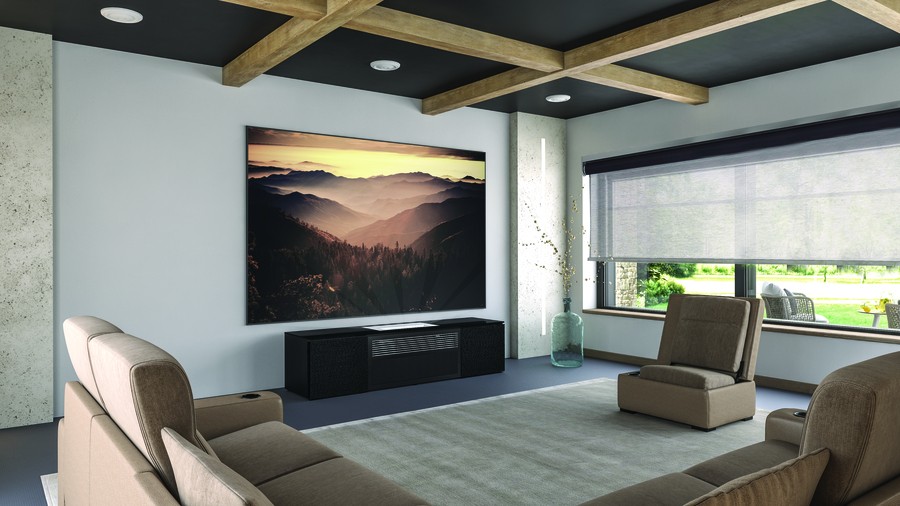
The last few years have changed how people think about their homes. Spaces need to work harder, serve multiple purposes, and adapt to different needs. Media rooms have evolved well beyond the "home theater" concept. These spaces now handle family movie nights, gaming sessions, quiet time with nature documentaries, and even meditation with guided videos. In Arizona, where summer heat keeps you indoors more than you'd like, having a comfortable retreat space matters. A well-designed media room supports your family's well-being, not just your entertainment options. Let's talk about what that actually means.

Are Motorized Shades Worth the Investment?

are-motorized-shades-worth-the-investment

An Honest Look at Costs, Benefits, and Why Professional Installation Matters More Than Most Homeowners Realize

Motorized shades cost significantly more than manual ones. That's the first thing every homeowner notices. The second question usually follows quickly: "Are these really worth it, or am I paying for convenience I don't need?" Fair question. The answer depends on your home, your climate, and whether you're willing to deal with installation complexity. Let's talk openly about what you get for the investment, where DIY attempts typically fall short, and what long-term ownership looks like. 

Designing Lighting Control for Desert Living

designing-lighting-control-for-desert-living

Lighting Strategies and Automation Adapted for Our Climate

Arizona gives you 300 days of intense sunshine, dramatic temperature swings, and light that changes character throughout the day. Unfortunately, the lighting design and layouts in most homes ignore all of this. Contractors install the same fixture layouts they'd use anywhere else, add some dimmers, and call it luxury lighting. That approach misses the point. Good lighting control for desert homes begins with understanding how the sun moves across your property, how seasonal shifts impact your living patterns, and what keeps a space comfortable when it's 110 degrees outside. Let's examine what intentional lighting design truly means in this context.

Why Whole-Home AV Makes Every Gathering Better

why-whole-home-av-makes-every-gathering-better

A Consistent Approach to Entertainment in Every Room of Your Home

Was this a memory from your last holiday party? You're bouncing between rooms with different remotes, the music cuts out when guests head to the patio, and someone's asking how to change the channel in the den. There's a better way. Whole-home audio video systems put entertainment where you need it—whether you're hosting Thanksgiving dinner, watching the big game, or just having friends over on a Saturday. With professional integration, everything works together without the hassle. Let's talk about what that actually looks like in your home.

Unlock Greater Efficiency With Commercial Automation

Modern conference room with motorized window shades, decorative lighting, and tall plants by large windows.

Embrace Smarter systems for better business

Running a business today means juggling rising costs, security risks, and higher expectations from both employees and customers. From the restaurant that wants faster service to the office that needs reliable video calls, owners are looking for any way to improve.

One way is through commercial automation. Instead of managing lighting, climate, AV, and security separately, you bring everything into one system. The result is a smarter way to work with less wasted energy, safer spaces, and technology that feels intuitive rather than frustrating. For businesses in Yuma, it is the difference between keeping up and getting ahead of the competition.

How Smart Automation Enhances Every Room of Your Home

how-smart-automation-enhances-every-room-of-your-home

Simplify routines from wake-up to wind-down

What if you could start your day with lights that gently brighten, music that cues you awake, and shades that rise to greet the sun?

For many homeowners, smart technology used to feel futuristic or overly complicated. In reality, today’s smart homes are designed to make everyday life simpler, more comfortable, and more personal. It creates a home which responds to your routines and needs.

In this blog, we’ll take you room by room to show how automation works in real life. From lighting and climate to audio, video, shades, and security, you’ll see how these systems work together to turn ordinary moments—waking up, cooking dinner, winding down for the night—into effortless experiences.

Your Network Powers Smart Technology That Works

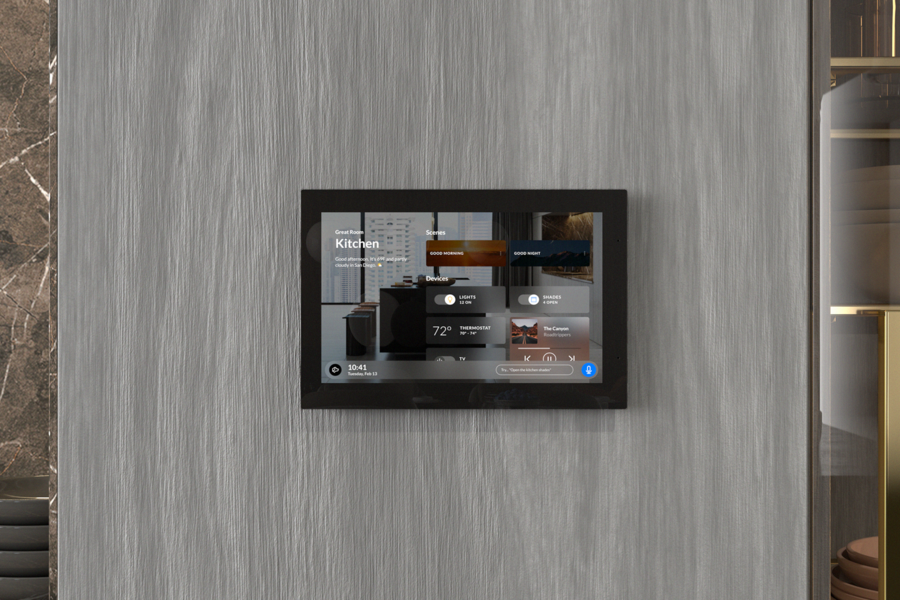
Wall-mounted smart home control panel in a modern kitchen, displaying lighting, thermostat, shades, and music controls.

Advanced AI Systems Fail With Poor Connectivity 

Homes and businesses across Yuma are adopting artificial intelligence faster than ever. Property owners spend thousands on AI-powered surveillance, voice-controlled automation, and climate control, only to discover their advanced technology delivers frustration instead of convenience.

The problem isn't the technology. It's the network powering it underneath.

Your network acts as the central nervous system for every connected device in your property. AI systems processing facial recognition data, coordinating with voice assistants, or managing complex automation need consistent, high-speed connectivity. A weak network creates bottlenecks and daily headaches.

When the network fails, smart lighting responds seconds after you've left the room, security cameras miss critical moments, and voice assistants need three commands to dim the lights.

How Low-Voltage Lighting Delivers Where Traditional Systems Fall Short

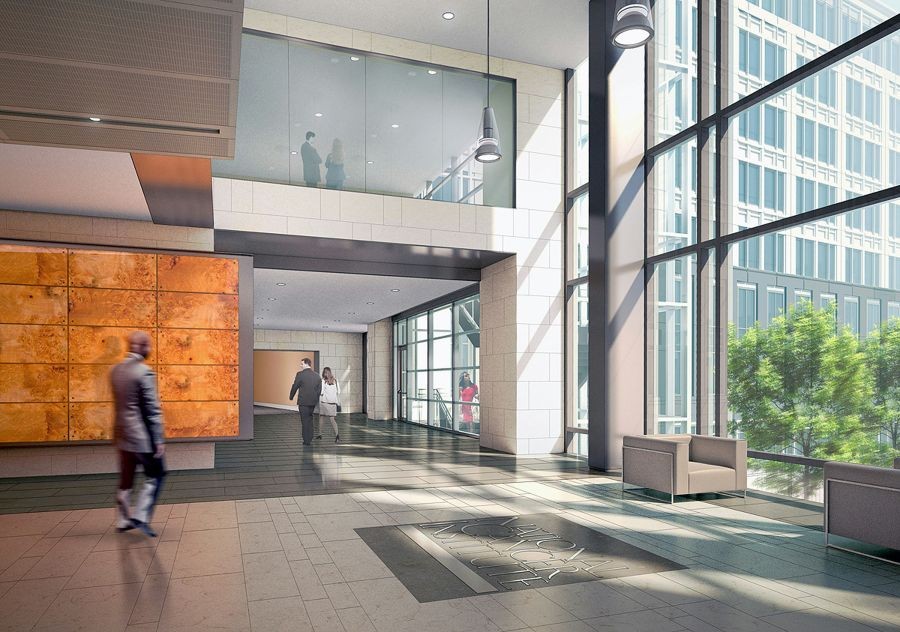
Spacious, sunlit modern office lobby with large glass windows, sleek seating, and people walking through the open corridor.

Energy-Efficient Solutions for Hospitals, Military Bases, and Corporate Facilities

Facility managers face the same problems daily. Traditional lighting systems bleed budgets through high energy consumption and constant maintenance demands. They can't adapt when spaces need reconfiguration. Worst of all, they don’t deliver the reliability hospitals, military bases, and corporate facilities need around the clock.

Low-voltage lighting offers an alternative solution. Operating at 12 to 24 volts instead of standard 120 volts, these systems provide the efficiency, reliability, and sustainability that large-scale facilities require. 

Brands like DMF Lighting—paired with a professional, thought-out installation—deliver measurable benefits that change how commercial and institutional spaces operate. The technology offers a cost-effective path to modernization and added flexibility.

Why Motorized Shades Are Essential for Commercial Spaces

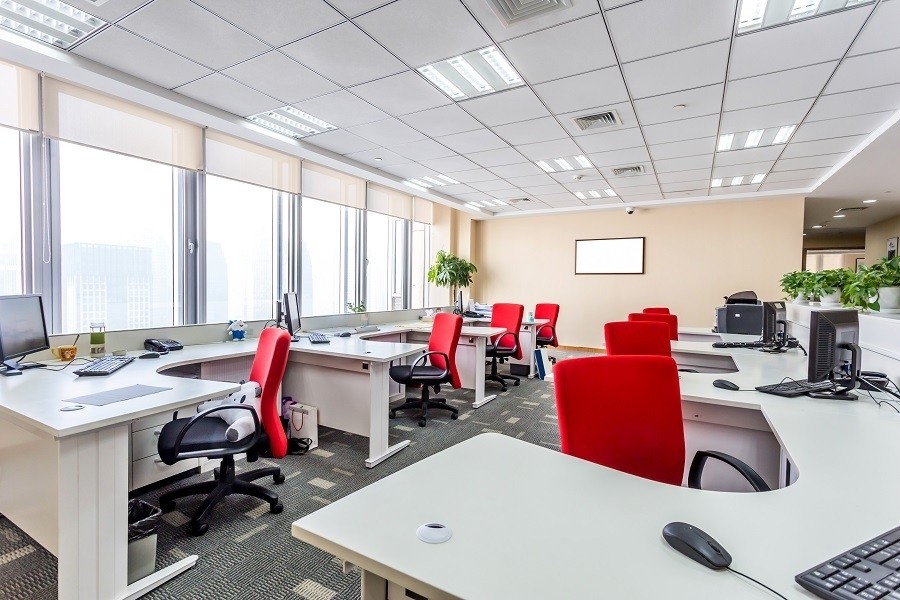
Modern open-plan office with red chairs, white desks, large windows, and motorized roller shades partially drawn to reduce glare.

Reduce Waste, Enhance Comfort, and Boost Productivity With Upgraded Commercial Blinds 

Direct upgrades can bring real returns. Manual blinds take time to adjust, and when left open, they create screen glare and hot spots. That leads to eye strain, rising energy costs, and distracted teams. Motorized shades fix the problem fast. They lower automatically when the sun hits, keep workspaces comfortable, and reduce the load on HVAC systems. Offices with automated shading often see higher productivity and lower monthly bills. If your space depends on natural light, this upgrade pays off by making light and energy easier to control.

Creating Simplified, Intuitive Conference Room Experiences

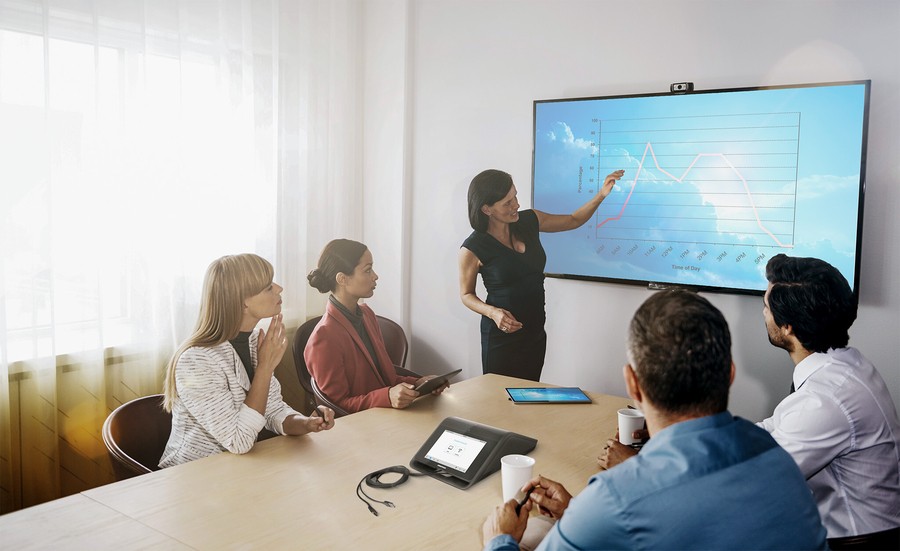
A team is holding a meeting in a conference room with a presenter motioning to a chart on the display in the front of the room.

Standardizing Workplace Technology Without Sacrificing Platform Choice

Most of us are familiar with this scenario. You walk into a conference room five minutes before an important client call, and suddenly, you're faced with an unfamiliar tangle of cables, a remote control with mysterious buttons, and the dawning realization that this room isn't set up for the platform your client prefers. Those five minutes quickly evaporate as you scramble to make things work, and what should have been a smooth, professional interaction starts with an apology for the technical difficulties. Many companies have set up video conferencing rooms that work well with one platform (often legacy ones) but don't with the other options your partners and clients use. The question becomes: how do you standardize meeting room technology while maintaining the flexibility to use solutions like Microsoft Teams, Zoom, and Google Meet throughout your property?

What Are AV Consulting Services?

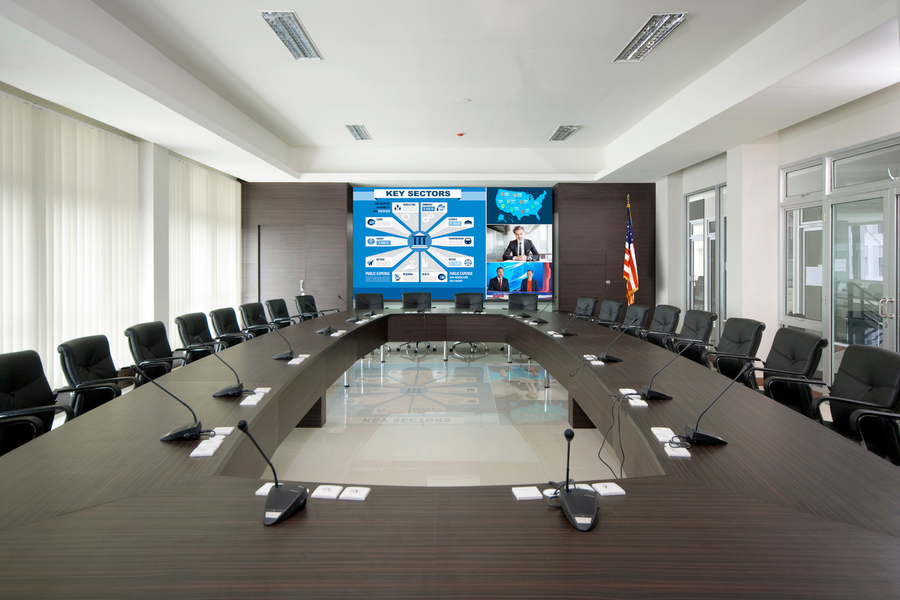
An executive conference room with a long table, individual microphones, and a large display screen in the front of the room.

How AV Consulting Services Lead to Successful AV Technology Integration

When planning a new corporate headquarters or renovating an educational facility, audiovisual systems often enter the conversation too late. Consider this common scenario: construction is nearly complete when someone asks, "Where will the projector go?" Suddenly, everyone realizes the ceiling height won't accommodate the desired screen size, or there's insufficient infrastructure for the necessary cabling. It sounds simple, but you might not realize how often this happens. These situations highlight why AV consulting services are invaluable. AV consultants serve as the link between client expectations and technical execution, ensuring technology integrates seamlessly with architectural elements from the earliest stages of a project.


Powered By One Firefly   |    Sitemap   |    Privacy Policy