
Blog

How Many Wi-Fi Access Points Does a Larger Home or Property Need?

Ceiling-mounted Wi-Fi access point in a spacious open-plan home with a patio in the background

There's no reliable formula that turns square footage into an access point count. Two properties of identical size can call for very different Wi-Fi designs, because what actually determines the answer is what the signal has to pass through, how the space is laid out, and how many devices are competing for it at once — not how many square feet are on the plan. Concrete and masonry block a Wi-Fi signal far more than a stud-and-drywall wall does. A property with a detached garage, guest house, or pool house needs its own coverage plan, not just a stronger router in the main house. And a household streaming video on several devices, running security cameras, and controlling smart-home systems needs more consistent performance than one that mostly browses and checks email. The right number of access points is whatever gives every part of the property reliable coverage without wasting equipment or creating interference. That number comes from a plan, not a guess.

Why Square Footage Alone Doesn't Give the Answer

Two homes of the same size can need very different Wi-Fi designs. A single-story, open-concept home with mostly interior stud walls might get solid, reliable coverage with relatively little equipment; a two-story home of the same size, built with block or stucco-over-masonry exterior walls, might need more — not because it's bigger, but because the signal has to work harder to get through. Layout matters too: a long, narrow floor plan behaves differently than a compact one, and a finished basement or detached casita adds a coverage zone square footage doesn't account for. Square footage tells you how much space there is — not what's in the way, how it's used, or how many devices need to stay connected, which is what actually determines the count.

What an Access Point Actually Does

An access point is the equipment that broadcasts Wi-Fi into a room — separate from, though often confused with, a few other pieces of gear. A modem connects the property to the internet provider; a router directs traffic between the internal network and the internet, and most consumer all-in-one devices also include a built-in access point. A Wi-Fi extender rebroadcasts an existing signal to reach farther, usually by giving up part of its own bandwidth, and it's only as good as the signal it started with. A mesh node is a more capable extender, built to coordinate with identical nodes as a system. A dedicated access point is different: a purpose-built radio, usually ceiling- or wall-mounted, ideally with its own wired connection, and centrally managed alongside every other access point on the property.

The Factors That Determine Access Point Count

The number of access points a property needs comes from several factors interacting together, not any single one of them:

FactorHow It Affects Access Point Planning
Floor planOpen layouts need fewer APs per square foot than segmented ones
ConstructionConcrete, masonry, and metal block signal more than drywall and wood framing
FloorsEach additional floor is typically its own coverage zone
Device countMore connected devices raise capacity needs independent of square footage
Outdoor areasUsually need dedicated outdoor APs rather than indoor overflow
Detached structuresEach one is a separate coverage — and often backbone — decision
Wired backhaulAPs with their own wired connection perform more predictably than those relying on wireless relay
Performance expectationsStreaming, video calls, and AV/control systems raise the bar beyond basic browsing

No single factor determines the count on its own — a professional design looks at all of them together for the specific property.
Continue reading

Wireless Bridge or Fiber Between Buildings: Which Is Better?

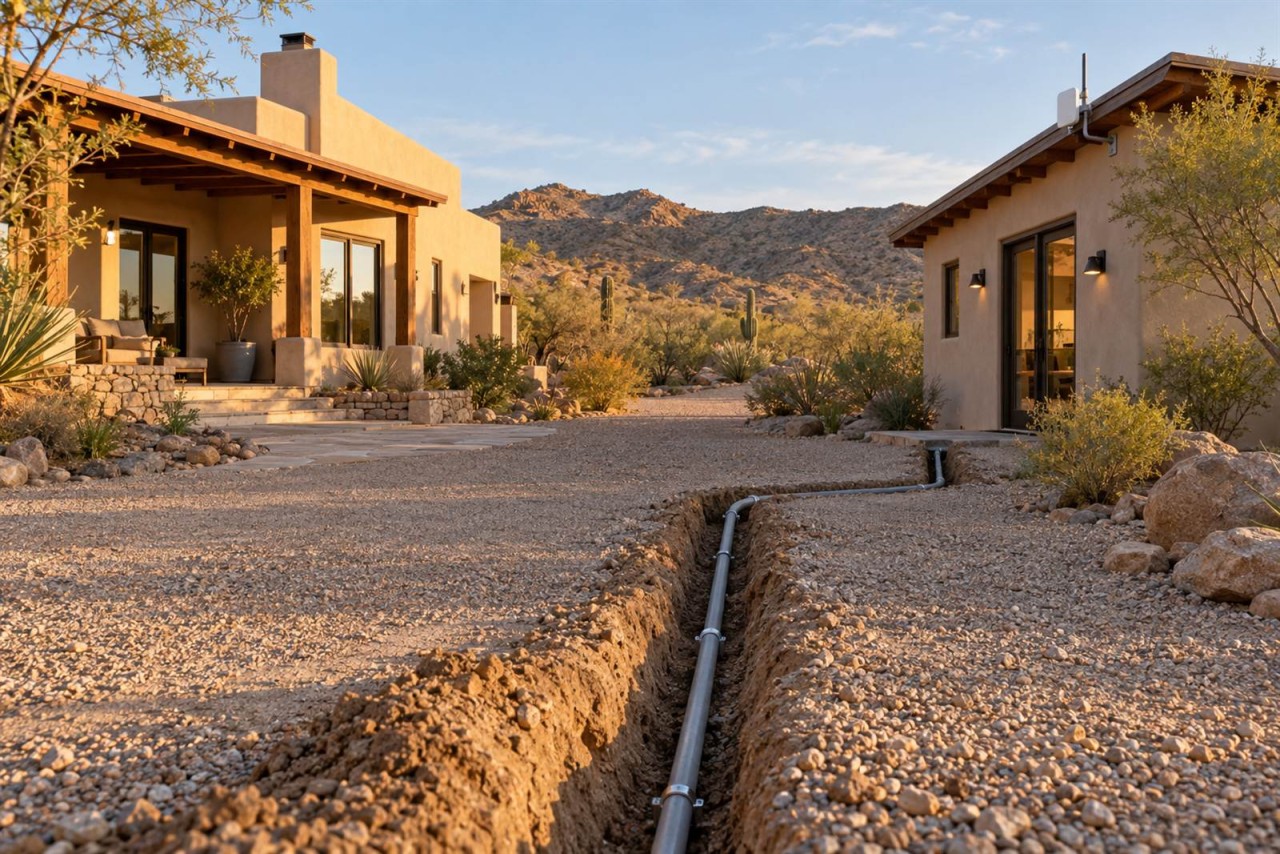
Main house and detached outbuilding on a desert property, with a small radio on the eave and a trench line between

When two buildings on the same property need to share one network, there are really only two practical ways to connect them: a wireless bridge or a physical cable, usually fiber. A wireless bridge — a dedicated point-to-point radio link, not the same as ordinary Wi-Fi — is often the right answer when trenching or running cable between buildings isn't practical, whether because of cost, distance, landscaping, or a rented property. Fiber is usually the stronger long-term backbone when a physical path is available, because it's a dedicated, electrically isolated connection that isn't affected by weather, interference, or line of sight the way a wireless link is. Neither option is automatically correct. The right choice depends on the property, what the connection needs to carry, and how permanent the setup is meant to be.

What Is a Wireless Bridge?

A wireless bridge is a dedicated, point-to-point wireless link between two buildings — not the same thing as extending ordinary Wi-Fi coverage outdoors. It uses a matched pair of radios, one mounted at each building, aimed directly at each other (this is what "line of sight" means: a mostly clear, unobstructed path between the two) rather than broadcasting in every direction the way a typical access point does. Because the radios are aimed at one another instead of serving many devices spread across an open area, a wireless bridge can move considerably more data than an ordinary Wi-Fi connection, and it behaves, from the network's point of view, much like a single long cable between the two buildings' switches.

What Does Running Fiber Between Buildings Mean?

Running fiber means installing a physical fiber-optic cable as the permanent backbone between two buildings — the same kind of structured, low-voltage cabling work as the rest of a property's network infrastructure — typically inside conduit (a protective pipe the cable runs through) that's either buried directly in the ground or routed along an existing path such as a utility trench. At each end, the fiber connects into a managed switch through a small fiber transceiver — a media converter that turns the light signal back into a normal network connection. None of this requires the property owner to understand optics; from a household or business point of view, a properly installed fiber run functions like a very long, very reliable Ethernet cable.

When a Wireless Bridge Makes Sense

A wireless bridge is often the practical choice when:

  • Trenching or running conduit between buildings isn't possible or would be prohibitively disruptive — across a driveway, mature landscaping, or hardscape that would need to be torn up and repaired.
  • The property is rented or leased, and permanent underground work isn't an option.
  • A road, drainage feature, or other obstacle sits between the buildings, making a buried cable path impractical.
  • The connection is temporary — a construction trailer, a seasonal structure, or a setup that isn't meant to be permanent.
  • The buildings have a clear, unobstructed line of sight and aren't too far apart for the equipment being used.
  • The bandwidth the remote building actually needs is modest, and a well-installed bridge can comfortably carry it.

When Fiber Is the Better Long-Term Choice

Fiber tends to be the stronger choice when:

Continue reading

Why Your Network Should Be Planned Before Your AV & Control System

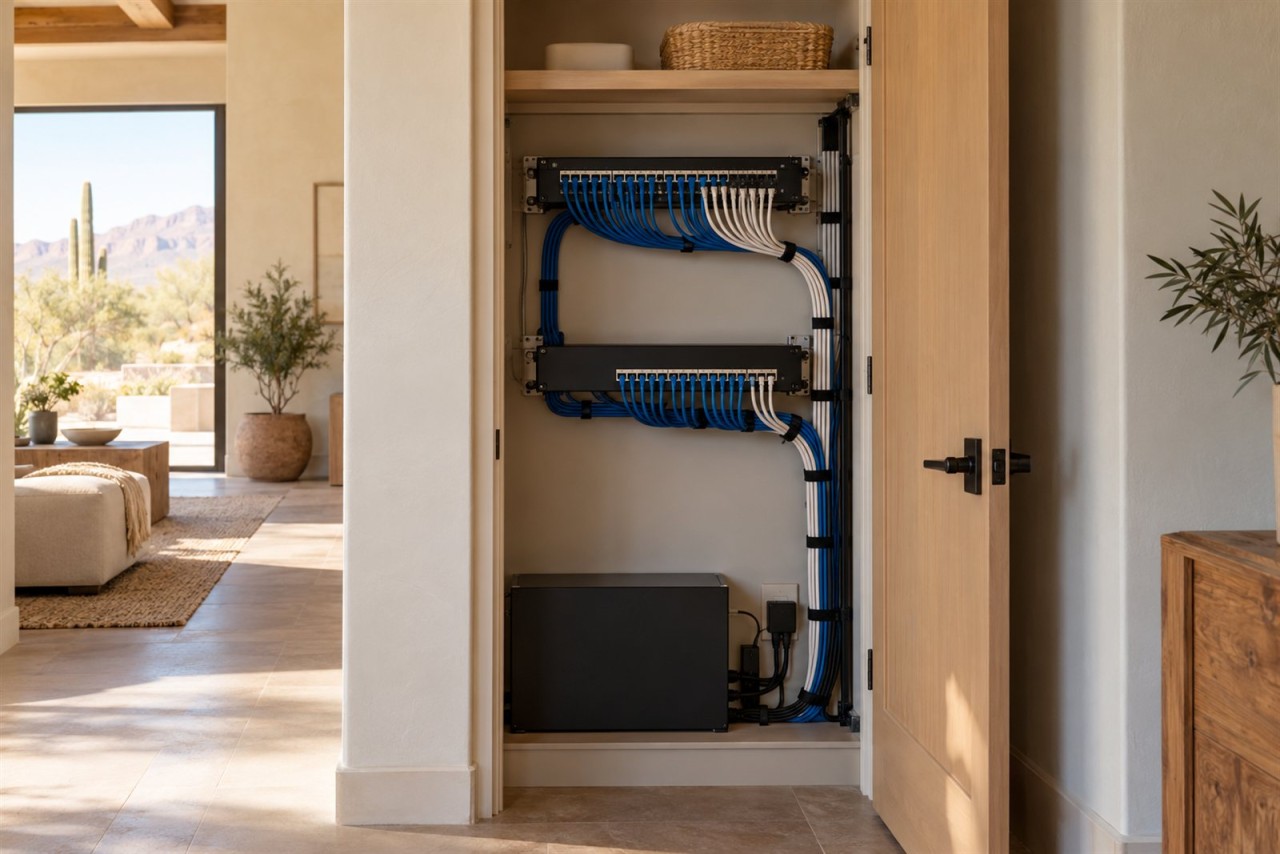
Neatly organized home technology closet with a patch panel, network switch and dressed cables

Most people think of their network as the thing that gets them online, and the AV system, control system, cameras, and speakers as separate equipment layered on top of it. That's no longer accurate. On a modern system, the network is part of the AV system. It's how your control processor talks to your amplifiers, how your Sonos speakers stay in sync, how your video matrix moves a signal from one room to another, and how your phone or a wall panel tells any of it what to do.

That distinction matters because of when problems show up. A network that's "fine for browsing and streaming" can still be the reason a well-designed AV system feels unreliable: lighting that responds late, audio that drops out of sync, a control app that occasionally just stops working. The fix usually isn't more AV equipment. It's going back and fixing the network the AV system was quietly depending on the whole time. Planning the network alongside, or before, the AV and control design avoids that entirely.

Today's AV System Depends on the Network

A home theater or conference room's AV gear used to run mostly on its own dedicated wiring: speaker wire to the amp, HDMI to the display, done. A lot of simpler systems still work exactly like that, and there's nothing wrong with a self-contained setup when that's genuinely what a space needs.

But once a system uses whole-home audio, centralized control (a Crestron or similar processor telling multiple rooms what to do), AV-over-IP for video distribution, or any device that streams, syncs, or gets controlled remotely, the network stops being a bystander. It's carrying control commands, streaming audio and video, device-discovery traffic (so your control system can find the equipment it's supposed to talk to), and often a wireless interface on top of all of it. None of that is universal; a single-room system with local controls may need almost nothing from the network. But the more integrated and multi-room a system gets, the more it functions, in practice, as a network application. Designing the AV system without designing the network at the same time is designing half a system.

Existing Wiring Is Not Automatically Good Enough

One of the most common assumptions we run into is that if there's already cable in the walls, it's ready to go. Sometimes it is. Sometimes it isn't, and the only way to know is to test it rather than assume.

Continue reading

Beat the Arizona Heat With Smart Motorized Shades

beat-the-arizona-heat-with-smart-motorized-shades

Automatically Stop Heat & Glare Before It Ever Gets Inside

Do you have a west-facing room that turns into an oven every afternoon? The one where you can't see the TV past 2 p.m. because of the glare, and the thermostat says 74, but it feels like 82? If that sounds like your home during the hottest months of the year, you're not imagining it.

We know cranking the AC won't fix the problem, but we do know a way to reduce heat and glare while maintaining natural light in your living spaces. Keep reading to learn how motorized shades can help.