How Many Data Drops Does an Office Actually Need?

If you've ever asked a low-voltage contractor for "a few data drops" and gotten a longer list of questions back, you're not alone. It's a reasonable question with a genuinely unsatisfying honest answer: it depends on what's actually going to plug in, and where. This is a practical planning guide to figuring that out before the walls close or the office opens — not a fixed number to memorize.

"Data Drop" Doesn't Always Mean the Same Thing

Before getting into counts, it's worth being precise about what's actually being counted, because "drop," "jack," "port," and "cable" get used interchangeably in everyday conversation but don't all mean the same thing.

A horizontal cable run is the physical cable pulled from the equipment room to a location. A telecommunications outlet — what most people picture when they say "jack" — is the connector at the work-area end, usually mounted in a wall plate. A port is a general connection point — for example, a switch port on active network equipment, or a patch-panel port in the telecommunications room. And a patch-panel port specifically is where a horizontal run lands at the equipment-room end, before it gets connected to a switch.

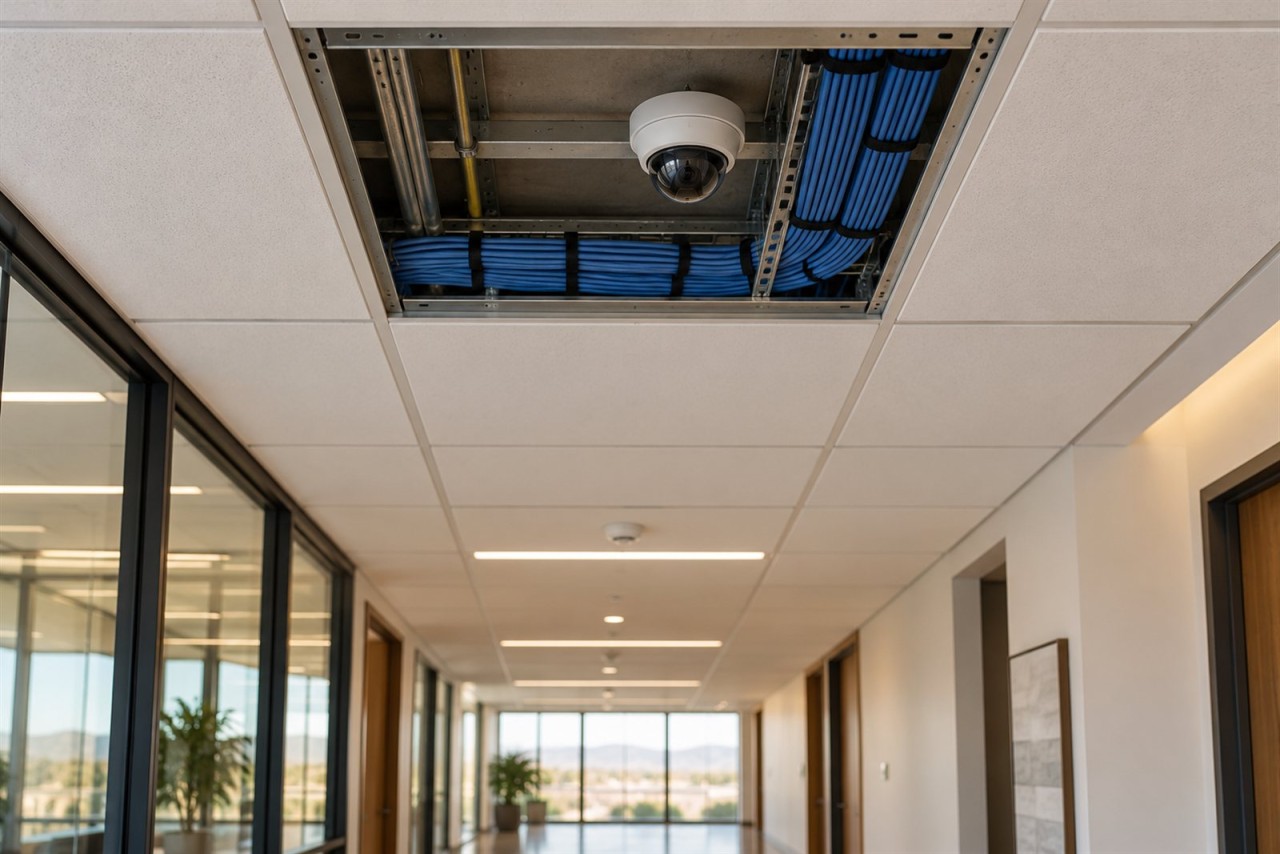
There's also a variation worth knowing about: a direct-connect run (formally called an MPTL, or Modular Plug Terminated Link) skips the wall outlet entirely and terminates the cable straight into a plug that connects directly to the device. MPTL was formally added to the TIA cabling framework in the prior 568.2-D edition and remains a recognized direct-connect approach under the current 568.2-E framework. It's common for devices that don't move — access points and mounted security cameras are the typical examples. For the fuller cabling, PoE, and switching picture behind a mounted security camera system specifically, see our guide to commercial security camera cabling and network infrastructure.

Why this matters practically: when someone says "I need one data drop," that could mean one wall plate with one jack, one wall plate with two jacks (very common at a single work area), or something else entirely. Getting specific about which one you mean — one cable, one jack, one location with multiple jacks — up front avoids scope confusion later in a proposal.

Continue reading

What Testing Should You Expect After a Structured Cabling Job?

"The cabling's been tested" is one of the most reassuring sentences a business owner hears at the end of a structured cabling project — and one of the least specific. Tested how? Tested for what? A quick continuity check with a basic tester and a full standards-based certification report for every link in the building can both get described as "tested," and they mean genuinely different things for what you're actually getting.

This isn't a scare piece about demanding the most expensive testing available for every project. It's meant to help you understand the real differences between the levels of cabling testing that exist, so you can ask a specific, informed question on your next proposal — or your next project closeout — instead of accepting "yes, it's tested" as a complete answer.

Continuity, Application Support, and Standards Compliance Are Three Different Questions

There are three genuinely different things "tested" can mean, and they build on each other:

"The cable passed a continuity test" tells you the wiring is connected correctly — nothing more. "The cable supports the intended Ethernet application" tells you it can actually carry the speed you need. "The installed link was certified to the applicable cabling standard" tells you it was measured against, and complies with, the published industry standard for its category. Each one answers a different question, and none of them can be assumed from the others. A cable can pass a continuity test and still fail to reliably run Gigabit Ethernet. A cable can qualify for the application you're running today and still not meet the formal certification a manufacturer warranty requires.

Verification: Is the Cabling Connected Correctly?

Verification is the baseline. A verification tool checks continuity and performs a wiremap — confirming that the conductors in a Cat6 or Cat6A cable land on the correct pins at both ends, catching problems like opens, shorts, and miswires such as reversed or crossed pairs. Depending on the specific instrument, a verification tool may also catch more subtle wiring faults such as split pairs, support toning or tracing (so a technician can identify one specific cable out of a bundle, or trace a run behind a finished wall), and provide a basic length reading. Not every basic tester supports every one of these checks — capability varies by instrument.

Continue reading

Cat6 vs. Cat6A vs. Fiber: What Should Your Business Install?

If you're planning a new commercial build-out, a tenant improvement, or a network upgrade in Yuma, one of the first infrastructure questions you'll run into is which cable to actually put in the walls: Cat6, Cat6A, or fiber. Cable and equipment suppliers will each tell you their product is the obvious choice. The honest answer is that there isn't a single right answer for every building — there's a right answer for your building, based on distances, expected bandwidth, power requirements, budget, and how long you expect the infrastructure to last before the next remodel.

This isn't a "what is Cat6?" explainer. It's meant to help you make an informed decision before you request or review a structured-cabling proposal — including understanding when the right answer isn't one cable type at all, but a mix.

What Cat6 Is Good At

Category 6 cable comfortably handles standard Gigabit Ethernet (10/100/1000BASE-T) to the full 100-meter structured-cabling channel — the everyday connection for computers, printers, VoIP phones, point-of-sale terminals, many IP cameras, and most other standard Ethernet devices. For a large share of commercial work areas, that's still plenty of bandwidth.

Cat6 can also carry 10-gigabit Ethernet (10GBASE-T), but the honest picture is more nuanced than a single distance figure. Per TIA's TSB-155 guidance, a Cat6 channel up to about 37 meters should reliably support 10GBASE-T. Between roughly 37 and 55 meters, whether it works depends on the alien-crosstalk environment — how the cable is bundled and routed relative to other cables nearby. Beyond about 55 meters, Cat6 may need active mitigation and shouldn't be assumed to support 10GBASE-T at all. In practice, the only way to know for certain whether an existing Cat6 link will reliably run 10GBASE-T is to field-qualify it — distance alone isn't a reliable predictor. Cabling-test manufacturer Fluke Networks has documented cases of 60-meter links performing fine while some 30-meter links did not, which underscores how condition-dependent this really is.

That's a meaningfully different scenario than specifying new cabling designed from the outset to run 10-gigabit Ethernet across a full, standards-compliant 100-meter channel — which is exactly the gap Category 6A was built to close.

Continue reading

What Should You Prewire Before the Drywall Goes Up in a Commercial Building?

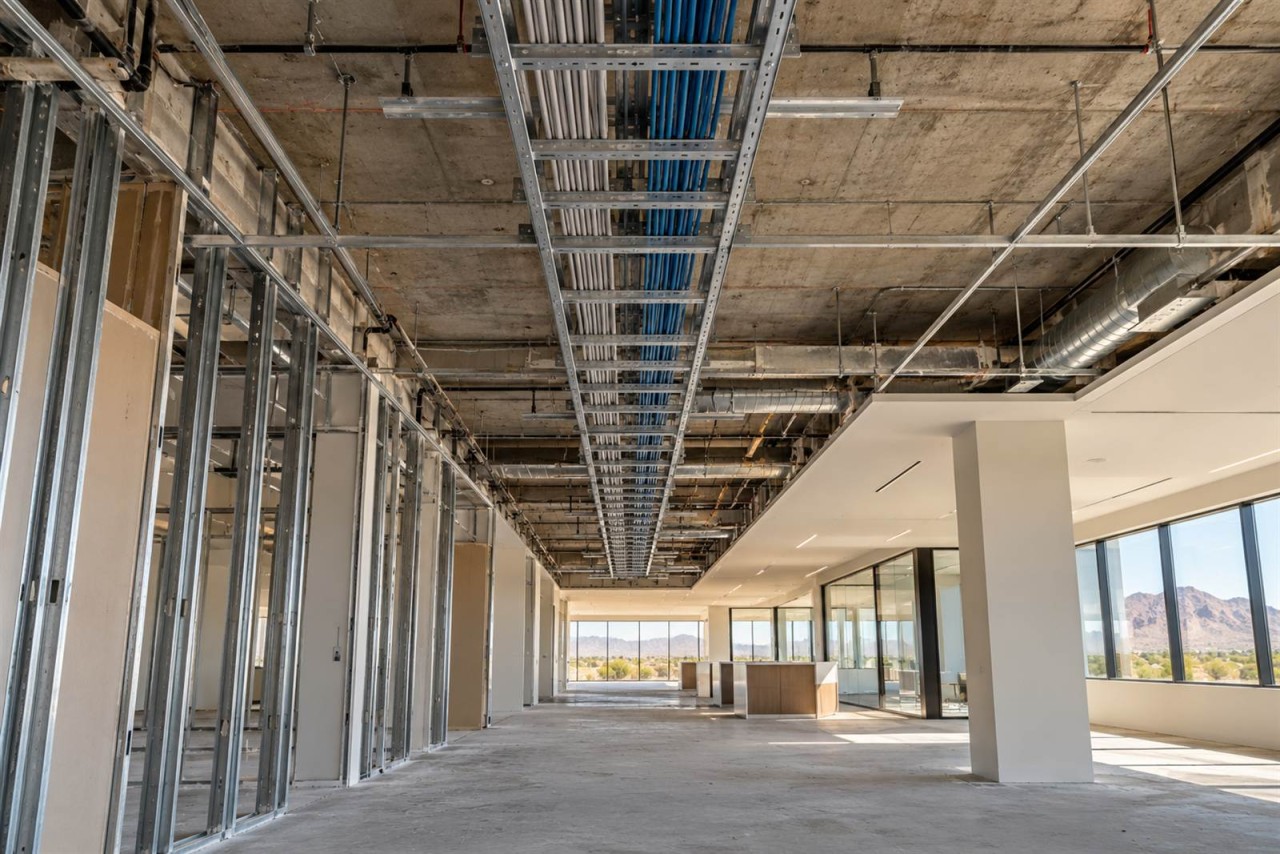
Once walls and ceilings are finished, adding low-voltage cabling usually turns into a retrofit problem instead of a straightforward rough-in decision. A commercial building's low-voltage infrastructure — data and network cabling, wired backhaul for wireless access points, cabling and pathways for security cameras and access control, connections for conference-room AV and displays, a planned equipment location, and enough spare conduit and pathway capacity for what comes next — is considerably easier to plan and install while walls and ceilings are still open than afterward. None of it needs to be finalized in exact detail before construction starts, but it needs to be part of the conversation early, because the options narrow considerably once framing, ceilings, and finishes are in place.

This is written for the people actually making that call: general contractors, builders, business owners, and facility or property managers planning new construction, a tenant improvement, a remodel, or an expansion — office, retail, warehouse, agricultural or packing facility, logistics space, or anything in between.

Why Early Planning Matters More Than a Fixed Sequence

Low-voltage planning works best when it starts during building design, not once framing is already up. Telecommunications and low-voltage pathways — device locations, cable routes, equipment-room space, and conduit — need to be coordinated with the architect, electrical, mechanical, and other trades before walls and ceilings close, so conflicts get resolved on paper instead of discovered in the field. Telecom design guidance that follows standard industry practice makes this point directly: infrastructure planning belongs in the preliminary design phase, with the goal of coordinating between disciplines during design rather than making adjustments in the field during construction.

The actual construction sequence varies by project — some low-voltage rough-in happens alongside electrical rough-in, some follows it, and the order depends on the general contractor's schedule and how the trades are coordinated on that specific job. There's no single universal sequence that applies to every project. What doesn't vary is the underlying constraint: once walls, ceilings, and door assemblies are finished, running a new cable or adding a device location becomes a retrofit rather than a rough-in task.

The list below isn't a claim that every project needs every item on it, either. A small retail buildout has a different real scope than a multi-suite office or a packing facility with a detached equipment building. The point of going through it isn't to check every box — it's to make each decision on purpose, while it's still straightforward to change.

Continue reading